
Quick summary: An iPad alone is not enough for a college student. You need a laptop for note-taking, projects, and coding. iPad is incredibly valuable as an addition to a laptop. In this guide, I explained which one you should get first.
Why Is This Question So Popular?
In 2026, iPad Pro has come very close to laptop performance. M4 chip, 16GB RAM, OLED display. But can it actually replace a laptop? In one word: no, but as a combination, they are an incredible pair.
What a Laptop Can Do That an iPad Cannot
- Programming: Xcode (native), VS Code (web-based version arrived but still limited), terminal access is restricted. A macOS or Windows laptop is required for software development.
- Multitasking: 10+ tabs, 5+ apps simultaneously, window resizing. iPadOS is still behind on this.
- Software compatibility: Programs that your institution or university requires (SPSS, AutoCAD, Stata), most of them do not exist on iPadOS.
- File management: Complex folder structures, file transfers from USB drives, ZIP operations. You can do it on iPad but it is cumbersome.
Where iPad Is Better Than a Laptop
- Note-taking: Handwritten notes with Apple Pencil, drawing diagrams, and annotating PDFs is the best experience on this
- Reading: Reading textbook PDFs and annotating them is much more comfortable on iPad
- Portability: 500g vs 1.3kg, battery life, convenience
- Creativity: Apps like Procreate, GoodNotes, Notability are iPad-exclusive
| Situation | Recommendation |
|---|---|
| College student, not coding | Laptop + iPad (in order of priority) |
| Software/Computer engineering | MacBook first, iPad optional |
| Art/Design student | iPad Pro + MacBook (both needed) |
| Budget limited, single device | Laptop (laptop over iPad) |
| Content consumption/media only | iPad is enough |
Which iPad Model?
iPad (10th or 11th generation, $349)
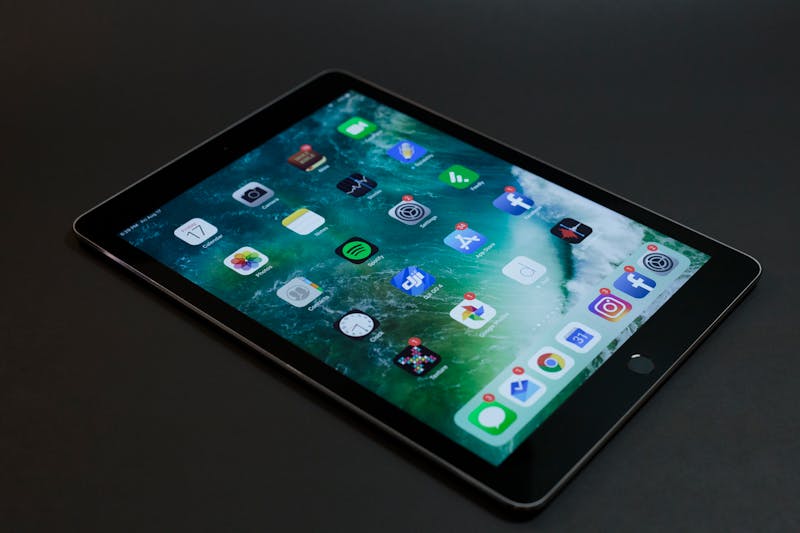
The most sensible model for college and daily use. A16 chip, 128GB, supports Apple Pencil (2nd generation). More than enough for note-taking and textbook reading.
iPad Air ($599)
More powerful model with M3 chip. Ideal if you want to set up a laptop-like experience with Magic Keyboard. Keyboard + iPad Air combination is about $900, roughly the same as a good laptop.
iPad Pro ($1,099+)
M4 chip, OLED display. For designers, video editors, and premium users. Generally overkill for a college student.
The Magic Keyboard trap: iPad Pro + Magic Keyboard + Apple Pencil Pro combination is $1,600+. For the same money, you can get an M4 MacBook Air at $1,099 and instead of laptop + iPad Pro, you just get the laptop. If you do not have the budget for iPad as an extra, just a laptop is more sensible.
Which Laptop Model?
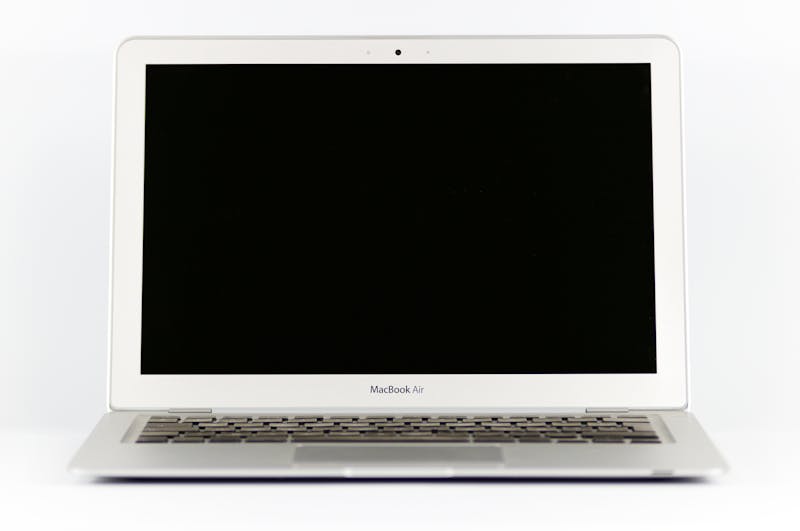
For Mac users: MacBook Air M4 ($1,099) is the ideal starting point. 16GB RAM, 256GB SSD. If you are not doing very heavy work, this model is comfortably usable for 4-5 years.
If you prefer Windows: Dell XPS 13 ($999-1,200), Lenovo ThinkPad X1 Carbon ($1,100-1,400), or HP Spectre x360 ($999-1,200).
Student discount: Apple, Dell, and Lenovo offer 5-15% discounts for university students. At Apple, shop through apple.com/education with your university email address. Dell and HP have similar programs. During Back to School season (July-August), extra gifts (like AirPods) are usually included.
Disclosure: Some Amazon links in this article are affiliate links. Your price doesn't change. I only recommend products I actually use or have personally tested.